
Open Video Model
LTX 2.3 is positioned as an open model family, which changes how teams think about adaptation, hosting, and fine-tuning.
Save up to 73% on plans

LTX 2.3 is the current Lightricks open video story for teams that want strong prompt adherence, steadier motion, and more flexible control without depending entirely on a closed stack. Official materials position LTX 2.3 around visual quality, temporal consistency, continuation, and practical fine-tuning, while the public model card emphasizes prompt following, motion quality, and character or object consistency. This page turns that LTX 2.3 story into an actionable interface you can use for research, prompt design, and production planning right now.
LTX-2 Fast
AI output preview
Three signals show up repeatedly across the official material, the public model card, and early operator feedback.
LTX 2.3 is positioned as an open model family, which changes how teams think about adaptation, hosting, and fine-tuning.
The public model card highlights LTX 2.3 for prompt adherence, motion quality, and consistency on both characters and objects.
The official LTX 2.3 page gives special weight to continuation and editing loops instead of treating generation as one blind first pass.
For operators and teams, the value of LTX 2.3 is not just that it is open. It is a clearer structure for how to plan, generate, review, revise, and adapt video content.
LTX 2.3 matters because teams can evaluate providers, self-hosting options, and fine-tunes without being locked to one vendor story from day one.
If LTX 2.3 follows prompts more reliably, the gain is not abstract. Teams spend less time deciphering what went wrong and more time iterating on deliberate creative choices.
The official LTX 2.3 page repeatedly stresses continuing and refining a sequence, which matters for teams that prefer controlled edits over endless restart loops.
Because LTX 2.3 is open, developers can think beyond a generic public demo and move toward custom styles, adapters, or domain-specific behavior over time.
When composition matters, LTX 2.3 becomes more useful if you anchor the frame first and let the model solve motion rather than every visual decision at once.
Early users describe LTX 2.3 as fast and promising, but they also still mention weak hands, face issues, and occasional drift on demanding prompts.
Use the official model framing as a practical playbook for teams making ads, concept films, product demos, and fast pre-production assets.
Use LTX 2.3 to test whether the scene idea, motion style, and pacing actually work before storyboarding every downstream asset. That makes LTX 2.3 especially valuable for campaign concepts, product explainers, and internal pitch loops.
Plan a Campaign Prompt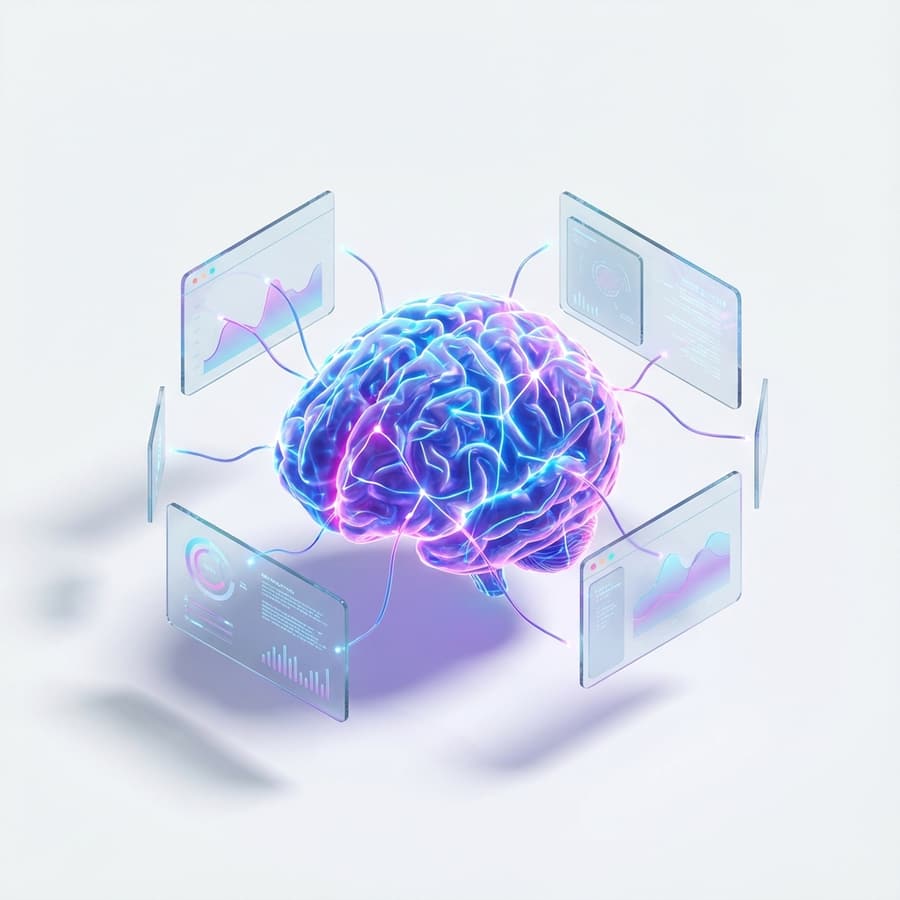
LTX 2.3 image-to-video workflows are useful when the team already has product stills, styleframes, or concept art. Instead of rewriting the look from scratch, start with a visual anchor and let LTX 2.3 animate movement, atmosphere, and camera travel around it.
Use Reference Frames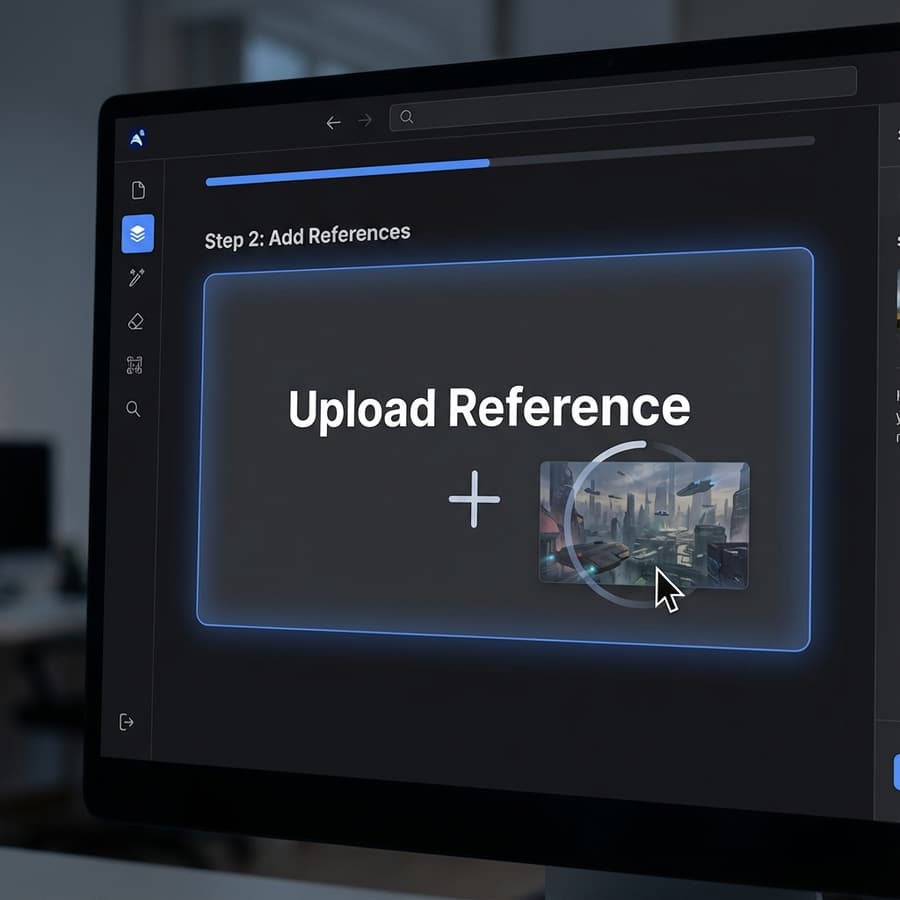
When a draft is close but not right, continuation and revision matter more than brute-force reruns. Use the LTX 2.3 mental model to isolate what should change: camera distance, movement path, subject speed, pacing, or the final beat of the sequence.
Refine a Draft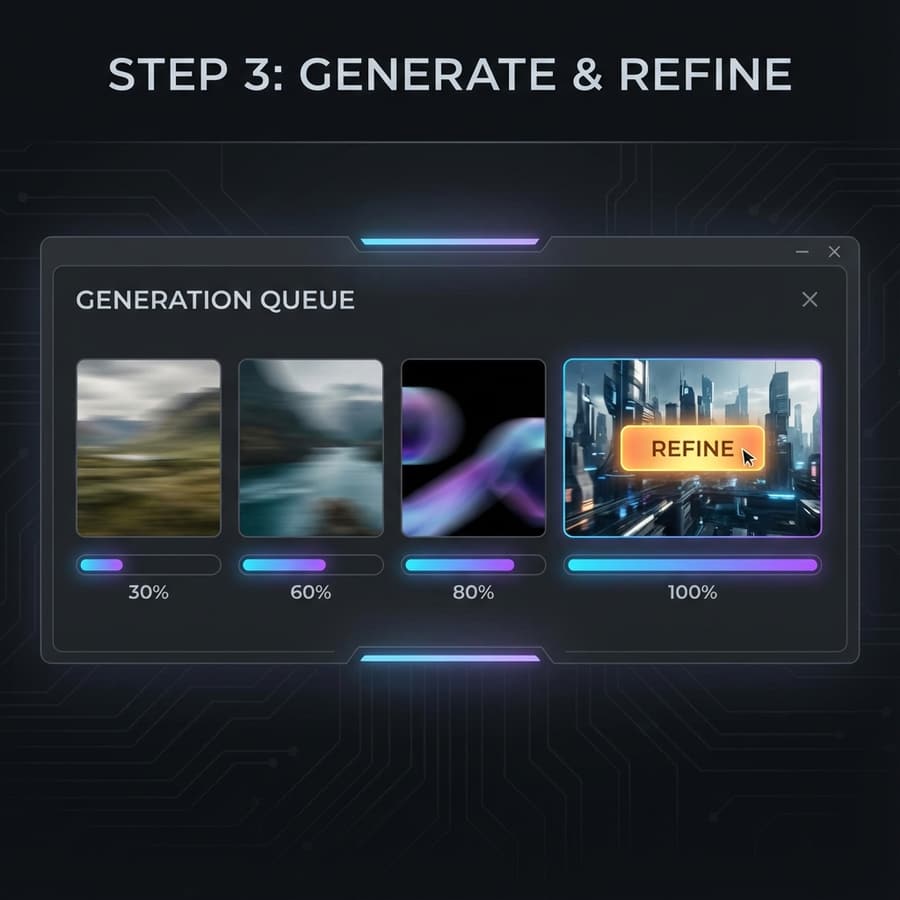
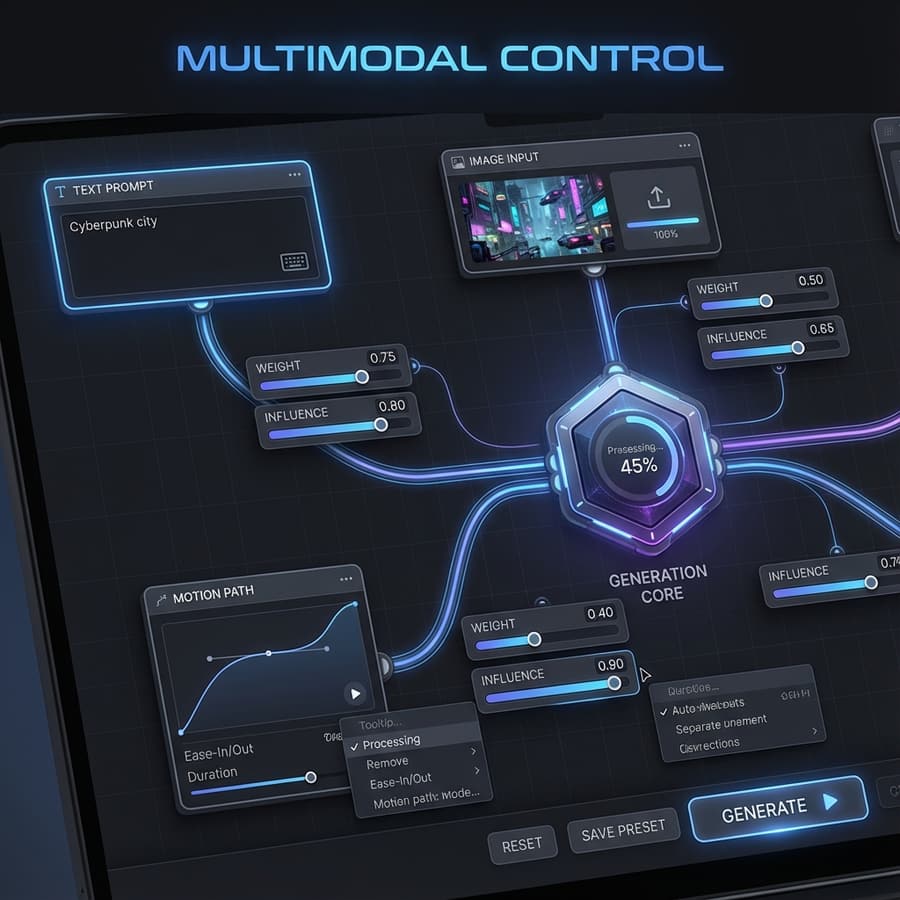
A good LTX 2.3 brief can be shared across teams because it includes objective, shot list, locked elements, reference frames, and rejection criteria in one place. That structure makes LTX 2.3 easier to evaluate than a pile of isolated prompts.
Answering the practical questions teams usually have before they commit to an open video workflow.
The live generator on this page uses the LTX-2 Fast runtime wired into the repo. We keep the framing centered on LTX 2.3 because that runtime maps to the fast public LTX 2.3 path and matches the search intent users have.
Because the user intent and the official product story are broader than one runtime label. The site is designed to capture LTX 2.3 demand while staying transparent that the live runtime underneath is the fast public path.
Start with objective, subject, motion, camera, environment, pacing, and what must stay locked. If you have a reference image, state exactly what it controls so LTX 2.3 has less ambiguity.
Use text-to-video for ideation and narrative exploration. Use image-to-video when composition, product geometry, or character framing must stay anchored. In practice, many teams find LTX 2.3 easier to control once a visual reference already exists.
Because most production teams do not need infinite fresh generations. They need a reliable way to improve a promising draft without rebuilding the entire clip from scratch, and LTX 2.3 is explicitly positioned around that revision loop.
Even before every deployment choice is settled, the LTX 2.3 framing is already useful: it helps teams write better prompts, review outputs faster, and organize open video generation work more coherently.